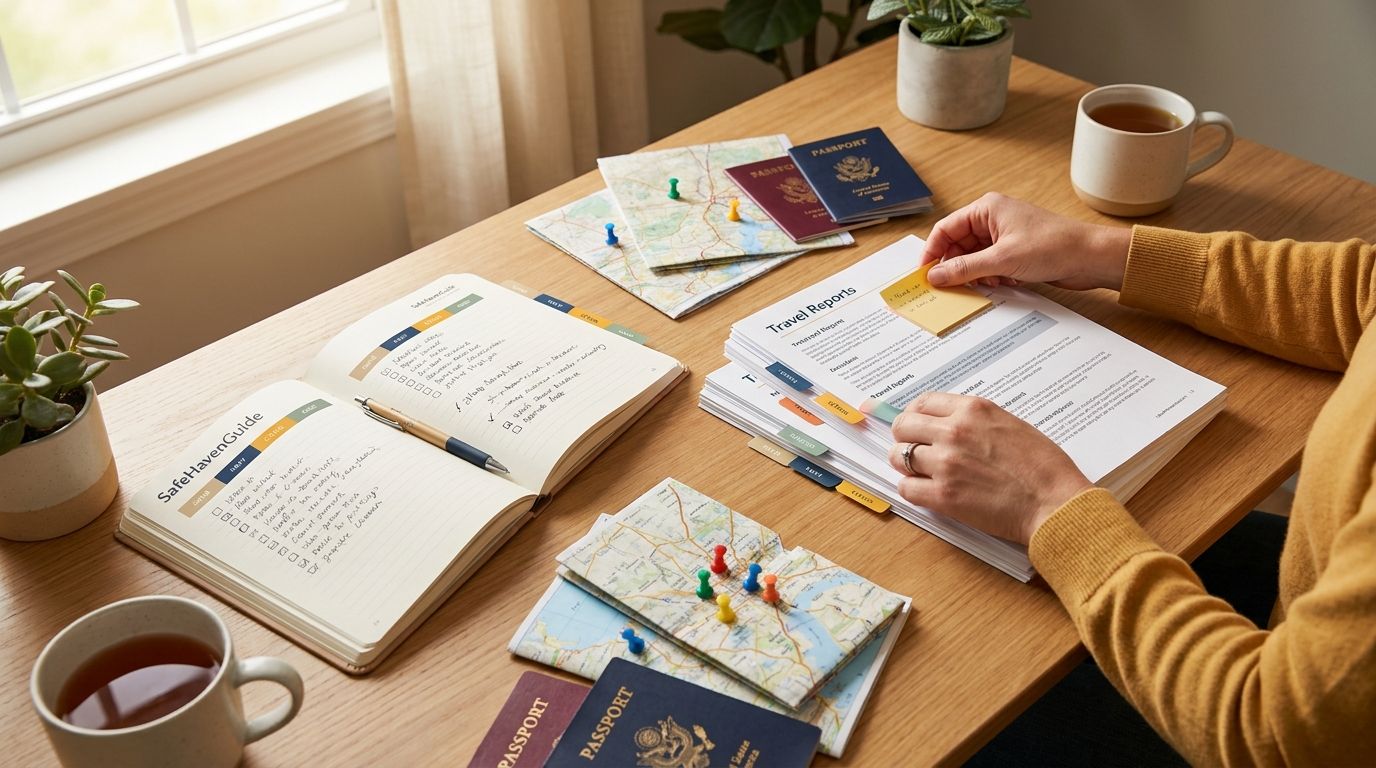
US Citizen Visa Paperwork Checklist (2026): Forms, Supporting Documents, Translations, and Common Rejections
Your visa packet lives or dies on paperwork. This 2026 checklist shows the forms, documents, translations, and rejection traps you can avoid.

You're sitting at the kitchen table with a folder open, a laptop still on the charger, and a sticky note that says "translations?" That's the moment this checklist is for. If you build your US citizen visa paperwork packet the right way, you cut the chance of a desk-reject for missing forms, wrong versions, or documents that look "almost right."
For 2026, your goal is simple: submit a complete, consistent set of documents that matches what the visa office expects for your specific visa type and country. The forms matter. The supporting documents matter more than most people realize. And translations matter in a very literal, very paperwork sense.

The visa packet thesis: consistency beats heroics
Visa offices do not reward "creative" paperwork. They reward clean matching: the form you filled out, the dates you listed, the passport you used, and the supporting documents you attached. When something doesn't line up, you get a rejection that feels unfair because you did the work. But the office still has to process your file fast and consistently for everyone.
So your checklist should start with a reality check. You are not building "a document stack." You are building a file that can be audited in minutes.
Here's what consistency looks like in practice:
- Your passport details match your application exactly (name spelling, passport number, issue and expiry dates).
- Your travel dates match your itinerary dates (if you provide one) and your cover letter dates.
- Your supporting documents support the exact claims you made on the form (employment status, address history, purpose of travel).
A small mismatch can trigger a "missing evidence" rejection even when you attached something. For example, if you list "self-employed" on the form but attach a wage slip, the officer can't interpret it as proof of your claim. If you list a spouse's name differently from the marriage certificate, they treat it like a separate person.
You also need to plan for the way many offices work in 2026: online submission first, then scanned attachments, then sometimes a later request for originals. That means your scans need to be readable, complete, and in the right order. If you've ever tried to enlarge a blurry bank statement on your phone screen at 11 PM, you already know why this matters.
With SafeHavenGuide's adaptive learning system, you can map your visa type to the specific checklist items you need and cut the chance you overlook a "boring" document that causes a rejection.
Forms you actually need in 2026 (and how to avoid the wrong-version trap)
Most rejections are not about your life story. They are about paperwork mechanics. The biggest mechanical failure is using the wrong form version or the wrong form for your visa category.
Before you fill anything in, pin down three things:
1) The exact visa category you're applying for (tourism, short stay, study, work, family visit, residency, etc.).
2) The country's specific submission channel (some countries require a form via their portal, others via an embassy upload portal, others by appointment submission).
3) The jurisdiction rules for signatures, photos, and document formatting.
Then build your form checklist.
Common form categories you may see (varies by country):
- Main application form for the visa category
- Supplementary forms (work permit related, student related, family visit related)
- Travel document declarations (sometimes part of the main form)
- Consent forms for data processing (in some systems)
- Authorization forms if someone submits on your behalf
Paperwork trap worth knowing: you download a generic PDF from a Google result that looks right. It might be outdated. In 2026, many portals update forms quietly. The office may reject a submission if the form number or version is old.
Concrete scenario: Jordan is applying from Boston to visit family in Spain for 20 days. He downloads a "Schengen short stay application form" PDF from a blog post, fills it out, and uploads it. The portal accepts the upload, but later his file gets a rejection citing "incorrect application form version." Jordan redoes it using the form linked directly from the official portal and resubmits. Same content. Different form version.
Concrete scenario: Asha is applying for a student visa to Ireland. She uses the general "long stay" form instead of the student-specific version. Her supporting documents are strong, but the officer needs the student-specific fields filled correctly (course dates, tuition payment evidence, guardian or sponsor details). The rejection note points to missing fields, even though she wrote them in a separate document.
Practical steps that save time:
- Save the official form URL in a notes file. When you start filling it in, copy the form number and date from the top of the PDF.
- Print or screenshot the "instructions page" from the portal and keep it in your folder. If you get rejected, you can compare what you submitted to what the instructions asked for.
- Use the same name spelling across every form and document. If your passport uses "Katherine" and your resume uses "Kate," pick one and hold it.
Supporting documents checklist: what to include and how to organize it
Supporting documents are where your application becomes believable. They're also where you can lose your file with a simple formatting issue.
The exact list depends on your visa category and destination country, but the "usual suspects" are common across most applications.
Your supporting documents checklist for most US citizen visa applications abroad often includes:
- Passport bio page copy (and any previous visa pages if requested)
- Proof of legal status in the US if you are not applying from the US (for US citizens this is usually straightforward, but some systems still ask for residency or address verification)
- Proof of address (utility bill, lease, bank statement showing address)
- Photos that match the country's photo rules (size, background color, face position)
- Proof of purpose of travel (invitation letter, enrollment letter, employment letter, itinerary, or proof of relationship)
- Financial proof (bank statements, pay stubs, tax returns, sponsor letter with supporting evidence)
- Travel insurance proof if the destination requires it for that visa type
- Employment or business proof (employment letter, business registration, self-employment evidence)
- Civil status documents (marriage certificate, divorce decree, birth certificate) when relevant
Organization matters because staff are scanning your file quickly. If your bank statements are out of order, you look careless. If you attach a single page instead of the full month, you look incomplete.
Concrete scenario: Priya is applying for a family visit visa for her mother in Germany. She attaches a sponsor letter from her husband and includes two months of bank statements. The office requests three months. Priya can't "fix it" instantly because the rejection is already logged. She resubmits with the correct three months and a clear index page listing each attachment. (The index page is worth five minutes of your time, I promise.)
A simple prevention step: create an "attachment index" page. It's a one-page table listing each document and the month or date range it covers. Some offices don't require it, but it helps you and it helps the reviewer.
Scan quality is not optional, either. If your document has a barcode, keep it sharp. If your bank statement has a watermark or stamp, keep it visible. If you must reduce file size, do it without losing text.
Research reference worth keeping: the US Department of State and many consular guidance pages emphasize that applicants should submit clear, complete documents and follow instructions exactly. That standard is consistent across countries and across consular processing systems in practice.
Translations and document formatting: what "acceptable" usually means
Translations cause more rejection headaches than most people expect, because the requirement is not just "translate it." It is "translate it in a specific way," then "format it so it is readable and verifiable."
Start with these translation basics:
- Translate documents that are not in the destination country's official language(s) when required.
- Use a translator format the country accepts. Some countries require a certified translator. Others accept "sworn" translations. Some accept translations by specific agencies.
- Keep the original document attached to the translation. Do not submit only the translated version unless the instructions say you can.
Formatting details that trip people up:
- Page order: original first, then translation, then notarized or certification page if required.
- Consistent names: the translated name must match the original name spelling and match what you wrote on the forms.
- Dates: make sure the date format is consistent with the original and not accidentally swapped between month and day.
Concrete scenario: Marcos is applying for a long stay visa in France. He has a Spanish birth certificate. He translates it himself, prints it, and signs it. The consulate rejects the translation because it is not from an approved certified translator. Marcos redoes it with a certified translator and resubmits. He didn't fail because he translated incorrectly. He failed because his translator credentials didn't meet the requirement.
So what should you do in 2026?
- Read the exact translation requirement on the destination's instructions page. If it says "certified translator," treat that as a hard rule.
- Ask the translation provider to include the certification statement exactly as required.
- Keep one translation folder separate from your main scans so you don't mix versions.
If you are using online portals, also check whether you must upload a PDF with the original and translation combined into one file. Some portals accept multiple uploads. Others expect a single combined PDF. Check before you build your files.
This is also where SafeHavenGuide's adaptive learning system helps: it maps translation needs to your destination and visa type so you don't discover at submission time that you needed a different translator format.
Common rejection reasons and how to prevent them
Rejections are annoying. They're also predictable. The notes you get often point to one of a few categories.
Here are the most common rejection reasons you can prevent with better paperwork discipline:
1) Incomplete forms
Missing sections, blank fields, missing signature, or using the wrong form.
2) Missing supporting evidence
You included some documents but not the ones that match your category requirements.
3) Document mismatch
Dates, names, passport numbers, and addresses don't match across forms and evidence.
4) Photo issues
Wrong size, wrong background, or face position not meeting requirements.
5) Translation problems
Not translated when required, translated by an unapproved person, or translation not attached to the original.
6) Proof of finances problems
Bank statements do not show the needed balance, not enough months, or sponsor evidence is missing.
7) Submission format problems
Blurry scans, cropped pages, missing attachments, or file names that make it hard to locate the correct document.
Concrete scenario: Lena is applying for a visa to visit her partner in the Netherlands. She lists her partner's address on the form, but the invitation letter uses a different street spelling. It looks like a minor typo. The rejection note says "insufficient proof of relationship and address mismatch." Lena fixes it by getting a new invitation letter with the exact address spelling used on the form.
Concrete scenario: Daniel is applying from Miami for a work-related visa in Canada. He attaches a letter from his employer but forgets to include the employer's registration proof and the specific contract page the checklist asks for. The rejection cites "insufficient employment evidence." Daniel resubmits with the missing pages and a clear index.
A practical prevention technique: do a "paper audit" before you submit.
- Print your final application summary or open the portal preview.
- Put your supporting documents in the same order as the checklist.
- Use a checklist tick-off method: if the form claim is "sponsor funds," your document set must include sponsor proof and sponsor bank statements, or the required equivalent.
And yes, you will still make mistakes. I've done it too. The difference is catching it before the portal locks submission.
A step-by-step 2026 checklist you can use today
Use this as your build order. It is not a philosophy. It is the sequence that reduces rework.
Step 1: Confirm your visa category and submission rules
Read the destination's instructions and confirm:
- Which form set you need
- Whether you submit online or in person
- Photo rules
- Translation rules
Step 2: Build your folder structure
Create folders on your computer before you scan or download anything:
- 01_forms
- 02_passport_and_identity
- 03_financials
- 04_purpose_of_travel
- 05_civil_status_if_applicable
- 06_translations_if_needed
Step 3: Fill forms with one source of truth
Use your passport as the source for name spelling and passport number. Use your bank statements as the source for account details and date ranges. Do not "estimate" anything.
Step 4: Gather supporting documents in checklist order
Attach documents in the order that matches your checklist. Add an index page if you can.
Step 5: Translate and format exactly
Keep originals with translations. Use a certified translator if the instructions require it.
Step 6: Final file review
Before upload, zoom in on scans. Make sure text is readable and pages are not cut off.
Step 7: Save proof of submission
Save the submission confirmation, uploaded file list if the portal shows it, and any email receipts.
If you want a quick sanity check that catches a lot of rejection causes, run through these three:
- Every claim on your form has a matching document.
- Every document has a page range or date range that supports the claim.
- Every translation has an original attached.
That's the whole game.
FAQ
What forms do I need for a US citizen visa application in 2026?
It depends on the destination country and visa category. Most applications include a main visa form plus category-specific add-ons, like student or work forms. Use the official submission instructions for your destination and copy the exact form names and version numbers.
Do I need translations for all documents?
Usually, you only need translations for documents not in the destination country's required language(s). Many countries require translations for civil status documents and sometimes for financial documents. Check the instructions for your specific visa type and follow them exactly.
What are the most common reasons visa applications get rejected?
The most common reasons are incomplete or wrong-version forms, missing supporting evidence, mismatched names or dates across documents, photo issues, and translation problems. Submission format issues like blurry scans also cause desk rejections.
How can I prevent a rejection for my bank statements or finances?
Use the checklist date ranges and amount requirements for your visa type. Provide the full pages requested and keep sponsor evidence complete if a sponsor is involved. If the instructions say three months, submit three months, not two plus a note.
Should I use an attachment index page?
It is not required everywhere, but it helps you and it can help the reviewer. List each attachment with a clear date range, like "Bank statements, Jan 2026 to Mar 2026." If the portal allows multiple uploads, an index also helps you keep file naming consistent.
Next step: build your packet in one sitting, then audit it
Pick your visa category today and pull the official checklist from the destination's instructions page. Then build your folder structure and fill forms using your passport and bank statements as the source of truth. After you upload (or before you do), run a paper audit: every claim on the form has a matching document, and every translation has its required certification. That one pass cuts down the "almost right" submissions that cause most rejections.
Join the conversation
Subscribe to comment
Join SafeHavenGuide's newsletter to leave a comment and get new posts in your inbox.